# Odoo Migration Guide: When and How to Upgrade Your Odoo Version
Odoo releases a new version every year, and older versions eventually stop receiving official support. At some point, every business running Odoo has to decide when, and how, to move to a newer version. This guide covers what that process actually involves.
## What Does Odoo Migration Mean?
Migration means moving your existing Odoo database, data, and customizations from an older version to a newer one. It's different from a fresh implementation: you're not starting from scratch, you're carrying forward everything that already exists in your current system while adapting it to work correctly on the new version.
## Data Migration
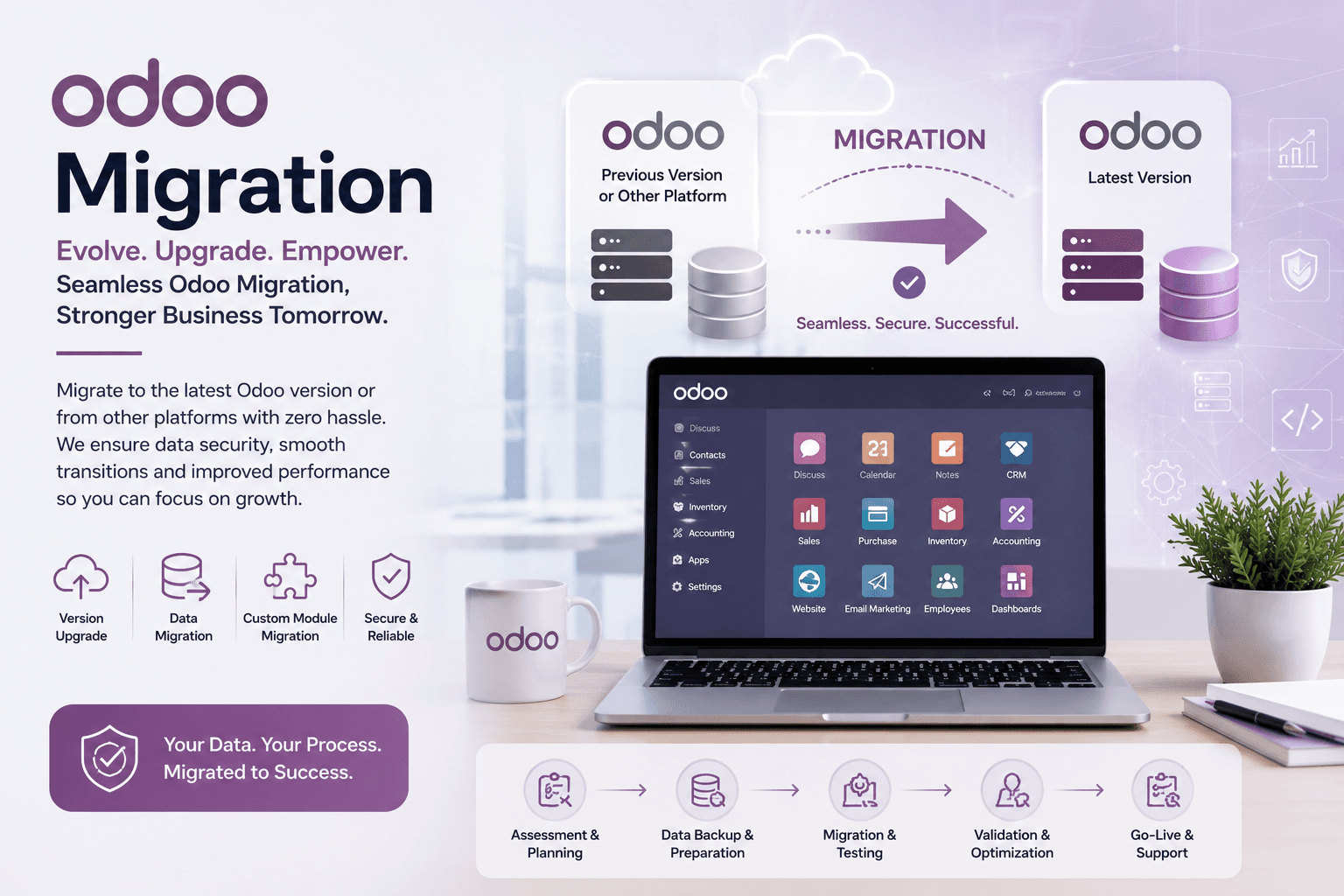
Your existing records, including customers, products, sales history, accounting entries, and inventory data, need to move across to the new version without loss or corruption. This typically involves exporting, transforming, and validating data so it matches the new version's database structure, then confirming nothing was dropped or duplicated in the process.
## Custom Modules and Customizations
If your current Odoo instance has custom modules, fields, reports, or workflow automations, these usually can't just be copied over. They were built against the older version's code and need to be reviewed and updated to work with the new version's underlying structure. This is often the part of a migration that takes the most planning, since the amount of custom code directly affects how much rework is needed.
## Testing
Before a migrated system goes live, it needs to be tested, not just to confirm the new version works, but to confirm your specific workflows, reports, and customizations behave the same way they did before, or better. This is normally done in a staging or test environment first, never directly on the live production system.
## Downtime Considerations
Migration typically involves some downtime while data is transferred and validated. The length of that window depends on the size of your database and the complexity of your customizations. Planning migration around a lower-activity period, and communicating the expected downtime in advance, helps reduce disruption to daily operations.
## Rollback and Risk Considerations
A responsible migration plan includes a rollback option, meaning your original system and data remain untouched and available until the new version has been verified to work correctly. This is exactly why full backups are taken before migration begins: if something doesn't check out during testing, you can fall back to the previous version without losing anything.
## Which Versions Can Be Migrated?
Version support depends on your current starting point and what's officially supported at the time. We work with businesses migrating from Odoo 10 through 17 to the latest supported version. If you're running something outside that range, it's worth a direct conversation about what's involved for your specific case.
## Planning Your Migration
Migration is effectively a scaled-down re-implementation, and most of the same considerations around testing, training, and support apply. Our Odoo migration services cover the process end to end, and where a migration also involves significant new scope or modules, that often overlaps with our Odoo implementation services as well.
“Successful digital transformation is not just about technology—it is about creating smarter, faster and more connected business processes.”
Tags
OdooERPAutomationTechnologyAI
M
Written By
MSS TechLab
MSS TechLab specializes in Odoo ERP, Artificial Intelligence, Automation, Cloud Solutions and Digital Transformation. Our consultants help businesses modernize operations with scalable enterprise solutions.