Best Odoo Customization Services for Business Growth
We deliver reliable Odoo customization services that improve business operations, enhance efficiency, and support scalable growth with tailored Odoo solutions designed for your business needs.
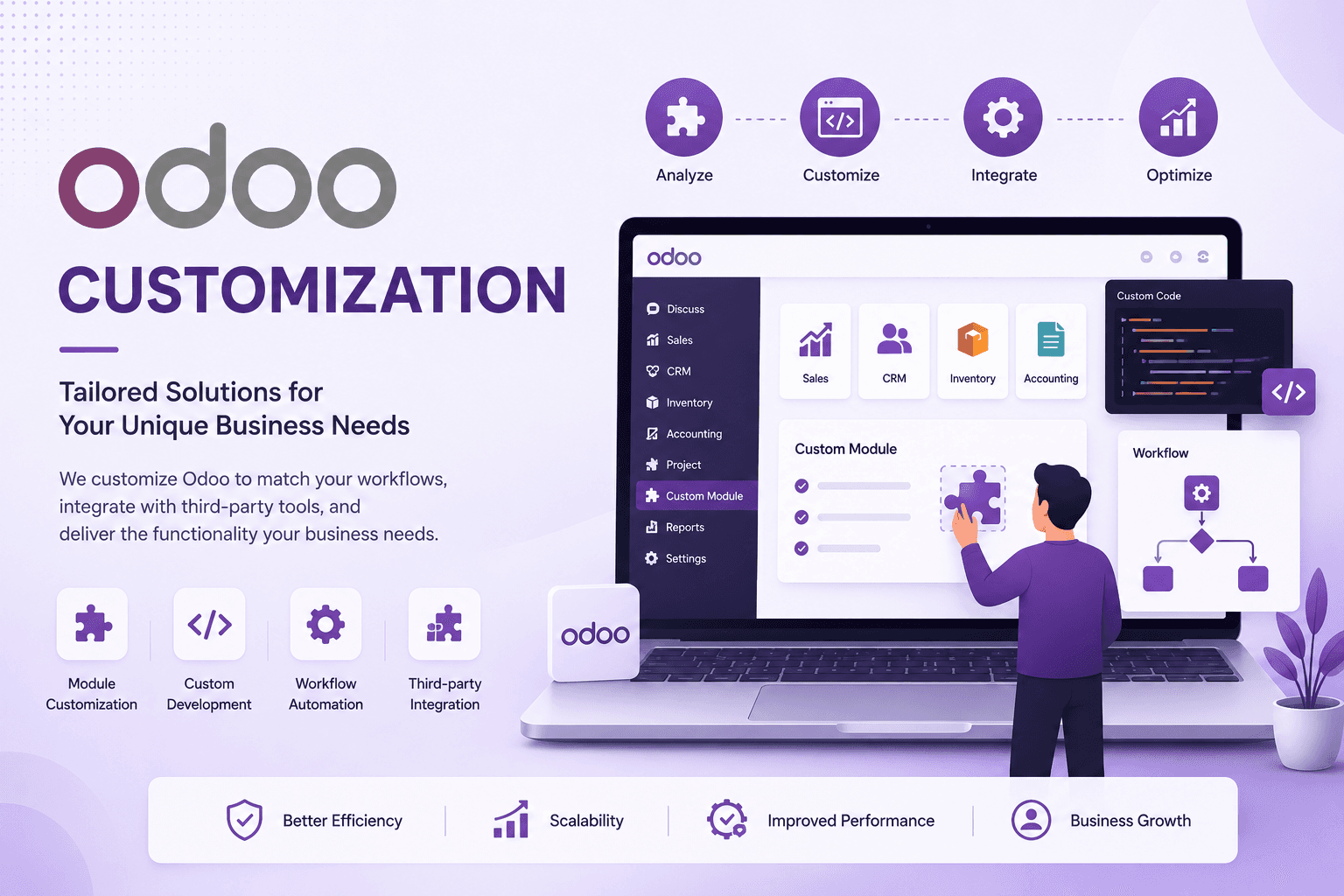
Odoo Adapted to
How Your Business
Actually Works
Odoo covers most business needs out of the box, but almost every growing business eventually hits a requirement that the standard screens, reports, or workflows can't handle. Customization is how we close that gap — adapting and extending Odoo's existing functionality rather than forcing your process to fit a generic template.
That can mean custom fields and views, tailored reports and dashboards, workflow automation, approval rules that match your internal policies, or interface changes that make daily work simpler for a specific team. We start by checking what configuration can already do, and only customize where it genuinely adds value.
Schedule a Consultation →What We Customize in Odoo
Custom Fields & Views
Add fields that don't exist by default, and rearrange form or list views to match how your team actually captures and reviews information.
Custom Reports & Dashboards
Tailored reports, printed documents like invoices and quotations, and KPI dashboards built around the metrics your business actually tracks.
Workflow Automation
Automated actions triggered by record changes, so routine steps happen without someone having to remember to do them manually.
Custom Approval Flows
Multi-level approval chains for sales, purchases, or expenses that reflect your internal policies rather than a generic default.
UI Adjustments
Simplified menus, forms, and layouts for a specific team or role, so people only see what's relevant to their work.
Business-Specific Process Changes
Adapting Odoo's default sales, inventory, or accounting flow to match a process that doesn't fit the standard template.
Our Odoo Customization Process
We follow a structured process that starts with configuration and only customizes where it's genuinely needed.
Requirement & Gap Analysis
We review your current Odoo setup against what your process actually needs, and identify exactly where standard behavior falls short.
Configuration vs Customization
We check whether the requirement can be met through existing settings or Odoo Studio before recommending code-level customization.
Design
Field, view, report, and workflow changes are planned out before anything is built, so the result fits cleanly into your existing setup.
Build
Changes are implemented using Odoo Studio or code-level customization, whichever fits the scope and complexity of the requirement.
Testing
Every customization is tested to confirm it works correctly and doesn't break existing screens, reports, or workflows.
Deployment & Documentation
Changes are released with documentation, so future maintenance and upgrades are easier for your team and ours.
Why Customize Odoo With MSS TechLab?
Our customization approach focuses on adapting Odoo to your business, not adding complexity for its own sake.
Fits Your Actual Process
Odoo is adapted to how your business works, instead of your team working around a generic default setup.
Better Team Adoption
Simpler, more relevant screens make it easier for teams to adopt Odoo and use it consistently day to day.
More Accurate Reporting
Reports and dashboards built around the metrics that matter to your business, not just the default options.
Less Manual Work
Automation and approval flows remove repetitive steps that would otherwise depend on someone remembering to do them.
Right-Sized Approach
We use configuration first and customize only where it's genuinely needed, keeping the system easier to maintain.
Built With Upgrades in Mind
Customizations are structured as proper Odoo modules, which makes reviewing and carrying them forward at upgrade time more manageable.
Frequently Asked
Questions
Find answers to common questions about Odoo customization, how it differs from configuration and development, and what it means for future upgrades.
Odoo customization means adapting or extending Odoo's existing functionality to match your business — custom fields and views, tailored reports and dashboards, workflow automation, approval flows, and interface changes that go beyond what standard settings can do.
Configuration means changing Odoo's existing settings and options — no code involved, nothing changes under the hood. Customization means adapting or extending Odoo's functionality for a requirement that configuration alone can't meet. We always check whether configuration is enough before recommending customization.
Yes. We review the existing setup first to understand how it was built, then plan customizations that fit cleanly alongside what's already there.
It can. Configuration changes generally carry forward without issue, but code-level customizations may need to be reviewed when Odoo's underlying code changes between versions. We build customizations as structured modules to make that review easier, though some adjustment at upgrade time is normal and should be planned for.
Odoo Studio is a no-code tool available in Odoo Enterprise, and it's a good fit for straightforward changes like adding fields, adjusting views, or building simple reports. Requirements involving complex business logic, conditional behavior across related records, or integration with external systems usually need code-level customization instead.
Customization adapts or extends what Odoo already does — fields, views, reports, workflows, and processes. Development covers building new functionality, such as new modules or integrations, that goes beyond adapting existing screens and processes. See our Odoo development services for that side of the work.
Build an Odoo ERP
That Works Your Way
Every business has unique processes. Our Odoo customization experts develop custom modules, automate workflows, design personalized dashboards, create advanced reports, and integrate third-party systems to deliver an ERP solution tailored specifically to your business.
Odoo Customization vs Odoo Development
The two overlap in practice, but they start from different questions: are we adapting something Odoo already does, or building something it doesn't do yet?
Customization
Adapting or extending Odoo's existing functionality — custom fields and views, reports and dashboards, workflow automation, approval flows, and business-specific process changes. Often built with Odoo Studio for simpler changes, or with code for more complex logic.
See Odoo Customization Services →Development
Building new functionality that goes beyond adapting existing screens and processes — new modules, more substantial custom business logic, and integrations with external systems.
See Odoo Development Services →In practice, the line isn't simply “no-code vs code.” A custom field with computed logic or a Studio automation rule is still customization, even though it involves some code. Development usually means new modules or integrations — work that goes beyond adapting what already exists. Many projects use both: starting with configuration, adding customization where needed, and moving to development only when a requirement can't be met by adapting existing functionality.